--:--
---
60
⚙️ Test Settings
✍️ Punctuation
🔢 Numbers
⏱ Time
🔤 Words
Custom
Typing Structure ⌨️
- To start the Test First need to select the Timer and the words as You like then you can start typing.
- Correctly typed words are locked permanently and cannot be edited again.
- Skipping a word is allowed only after typing at least one character in the current word.
- If letters are missed or skipped, BACKSPACE can be used unless a correct word was typed after it.
- SPACEBAR moves you to the next word and marks remaining letters as skipped.
How It Works ?
- Correct letters turn white, showing a match with the paragraph. Wrong letters turn red to clearly indicate mistakes.
- The test ends only when time finishes or when the final letter of the last word is typed correctly.
- Restart generates a fresh paragraph and resets all stats and timers.
- Cursor automatically follows the typing flow.
- Extra letters are added only at the end of a word. Extra input elsewhere is marked as incorrect.
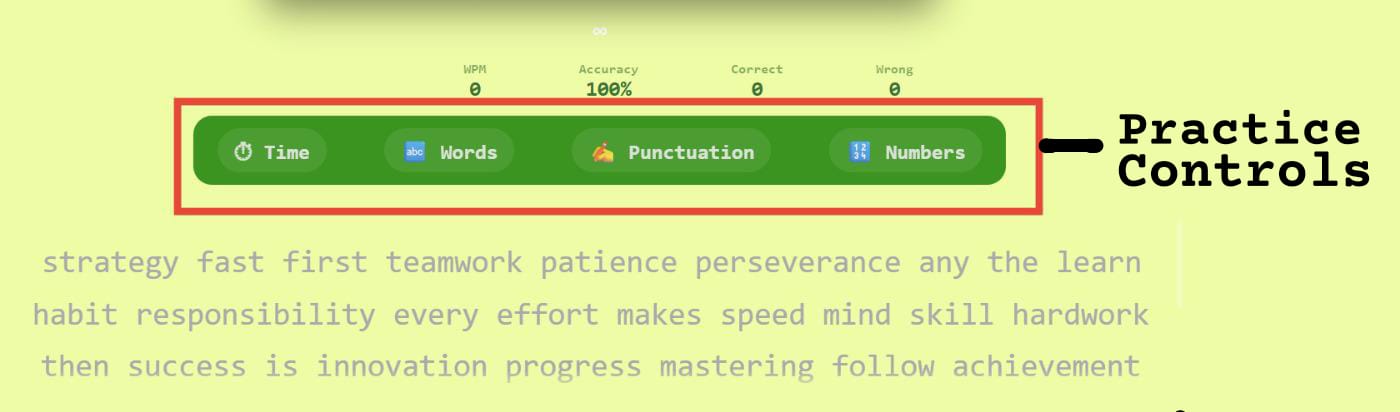
Controls (Time, Words, Punctuation & Numbers) 🎛️
- Select a fixed duration or set a custom time (up to 86400 seconds).
- Any key pressed will lead to start of typing with default of 60 sec time.
- Choose word count easily from the dropdown or use custom input.
- Enable punctuation to include symbols in the paragraph.
- Enable numbers to practice typing digits naturally.
Control Behavior 🎛️
- Time or word changes regenerate a fresh paragraph instantly.
- While typing you can select the time and words — the paragraph will reset.
- Punctuation improves real-world accuracy and focus.
- Numbers train smooth numeric typing without breaking flow.
- All controls are session-based and reset on restart.
- Combine time and words for balanced speed practice.
Live Stats
ACCURACY & ERRORS 🎯:-
- Accuracy drops instantly on mistakes
- Fixing errors does not fully recover accuracy
- Skipped characters are treated as errors
- Overtyping lowers accuracy score
- Consistent accuracy improves long-term speed
WPM 📈 & SPEED BEHAVIOR 🚀:-
- WPM is calculated using correct characters only
- Raw WPM ignores accuracy penalties
- Speed fluctuates based on recent keystrokes
- Pauses can reduce effective WPM
- Stable typing improves average WPM
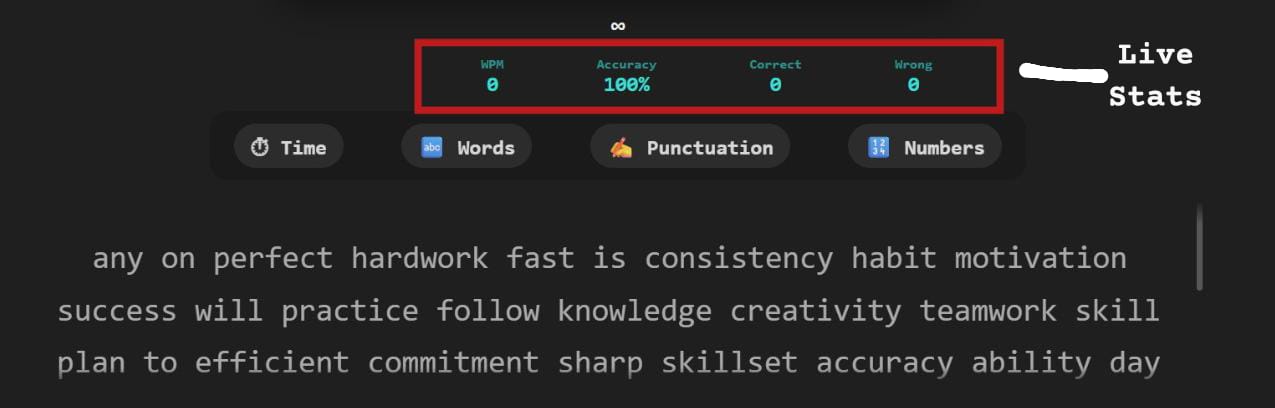 Live stats panel
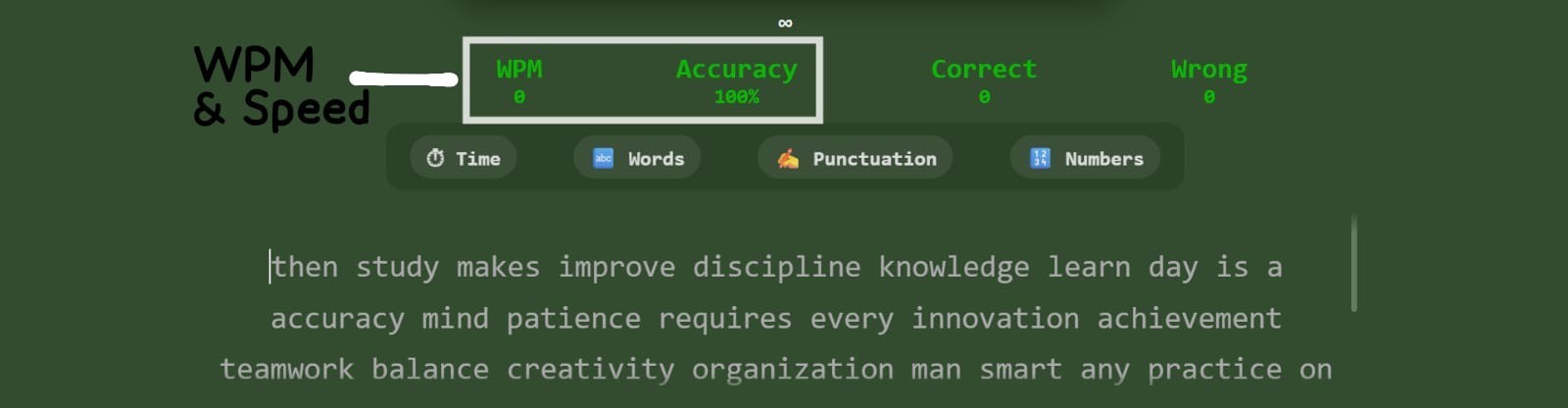 WPM & speed panel
GENERAL GUIDANCE 💡:-
- Live stats update with every keystroke
- Correct typing increases overall accuracy
- Wrong or skipped letters reduce accuracy
- Extra letters are counted as mistakes
- Backspaces affect typing rhythm
Common Typing Mistakes ⚠️
- Lack of focus increases repeated errors
- Extra keystrokes create overtyping mistakes
- Frequent backspacing disrupts typing flow
- Skipping letters breaks word accuracy
- Typing too fast without control causes errors
- Ignoring finger placement
- Pausing too often while typing
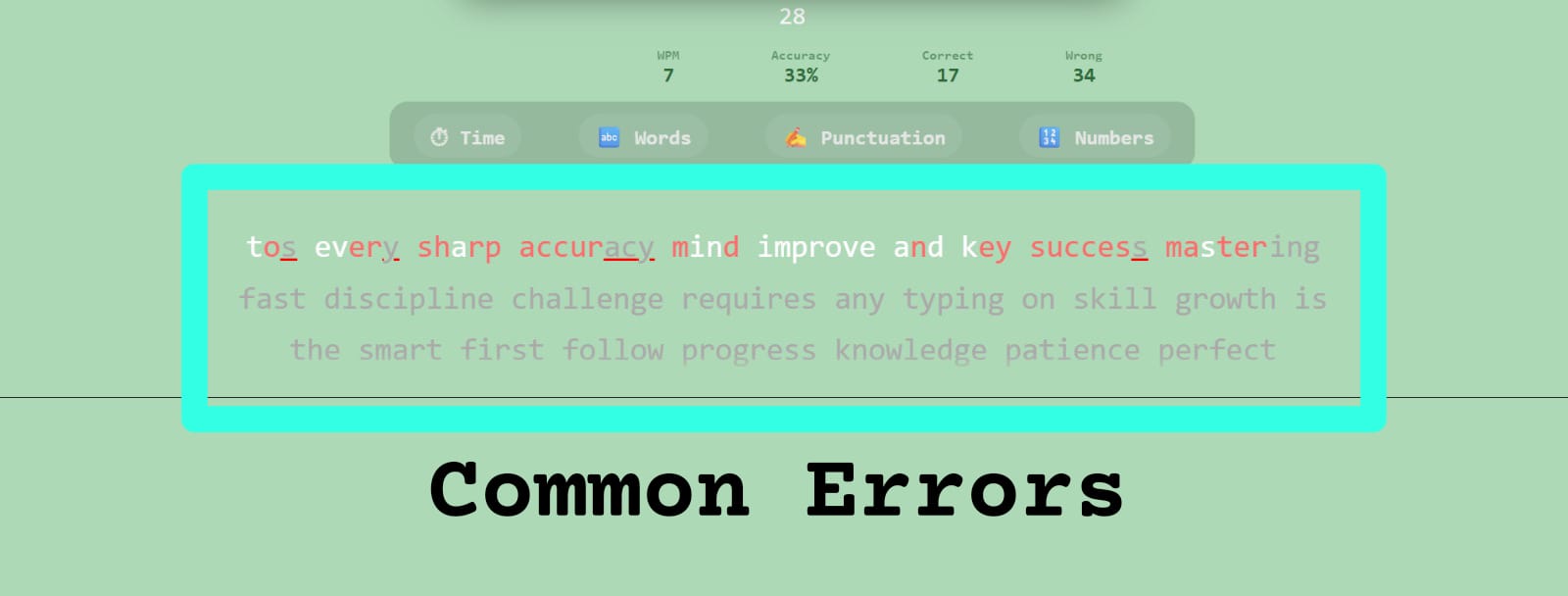 Frequent typing mistakes
Typing Strategy 🎯
- Start slow and focus on accuracy first
- Accept small errors and keep typing
- Maintain a steady typing rhythm
- Use SPACEBAR only after finishing a word
- Track stats to improve each session
- Practice finger discipline consistently